Search input is not getting cleaned when you tap on Back
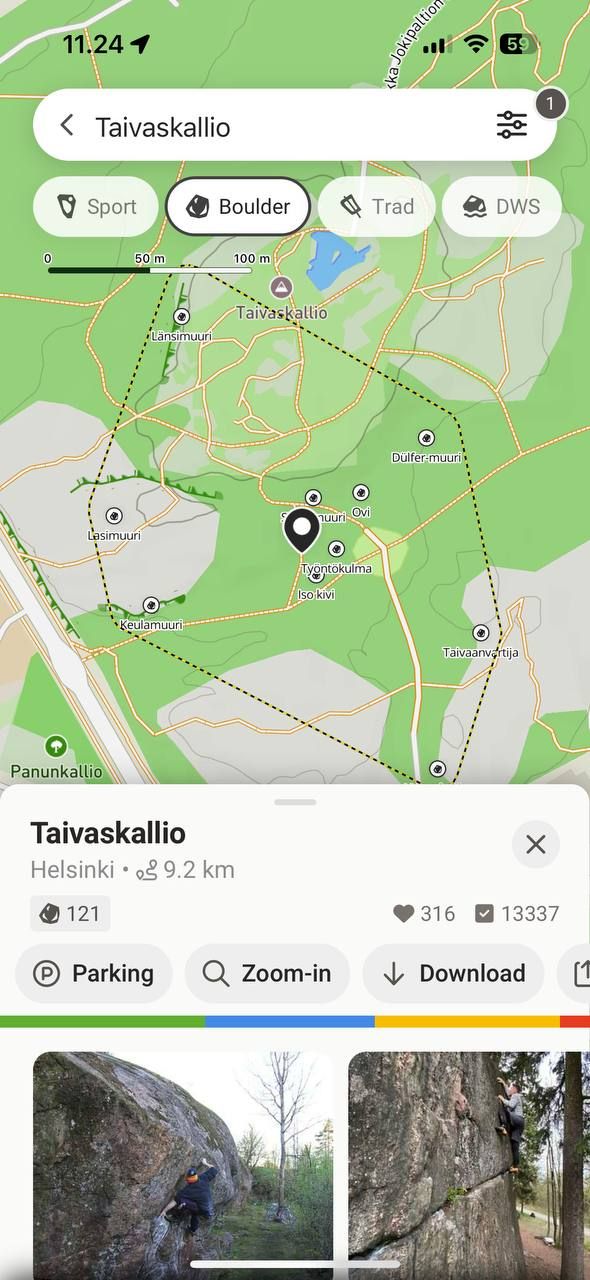
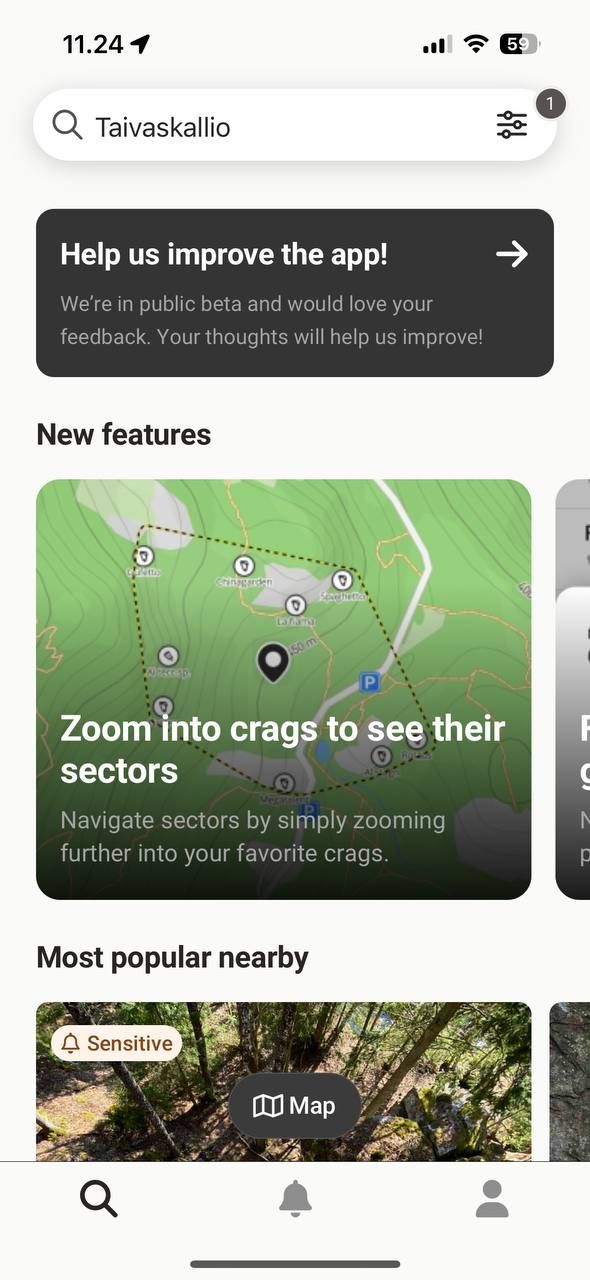
When I search for something and then go browse the area search input keeps the search word in it. If I tap on back icon “<“ I expect not only to go to the main screen, but also clean the search input.
Steps to reproduce:
Put some area name in the search input
Tap on the search button on the keyboard
You should have area name saved in the input
Tap back
You are redirected to the main screen with input still having area name
Expected result: tapping back cleans the input so you can start searching again
Comments1
Heikki Liukkonen
Apr 18, 2025
This is a clear bug / misbehaviour as not clearing the search box properly leads to another big problem as well:
1) Make a text search and select a boulder/route from the search results
2) Click back
3) Go bac to the map view
—> The search bar is empty in UI but actually the map is still filtered by search results. Therefore it looks like the whole app does not have many boulders/routes and its very unclear to the user that the search is still on.
To really empty the search box you have to manually make a new text search with empty string. To clear the previous result (maybe also possible some other way, but this is still not intuitive).
Same thing as Mikael has reported here:
https://feedback.27crags.com/en/p/boulders-are-not-showed