Infinite loading indicator
Description
Loading indicator never goes away when opening the app while offline and going to map view.
Steps to reproduce
Turn off internet connection
Open 27crags app
Go to map view
Zoom to a downloaded area
Observe the loading indicator popping up and never going away
Screenshots
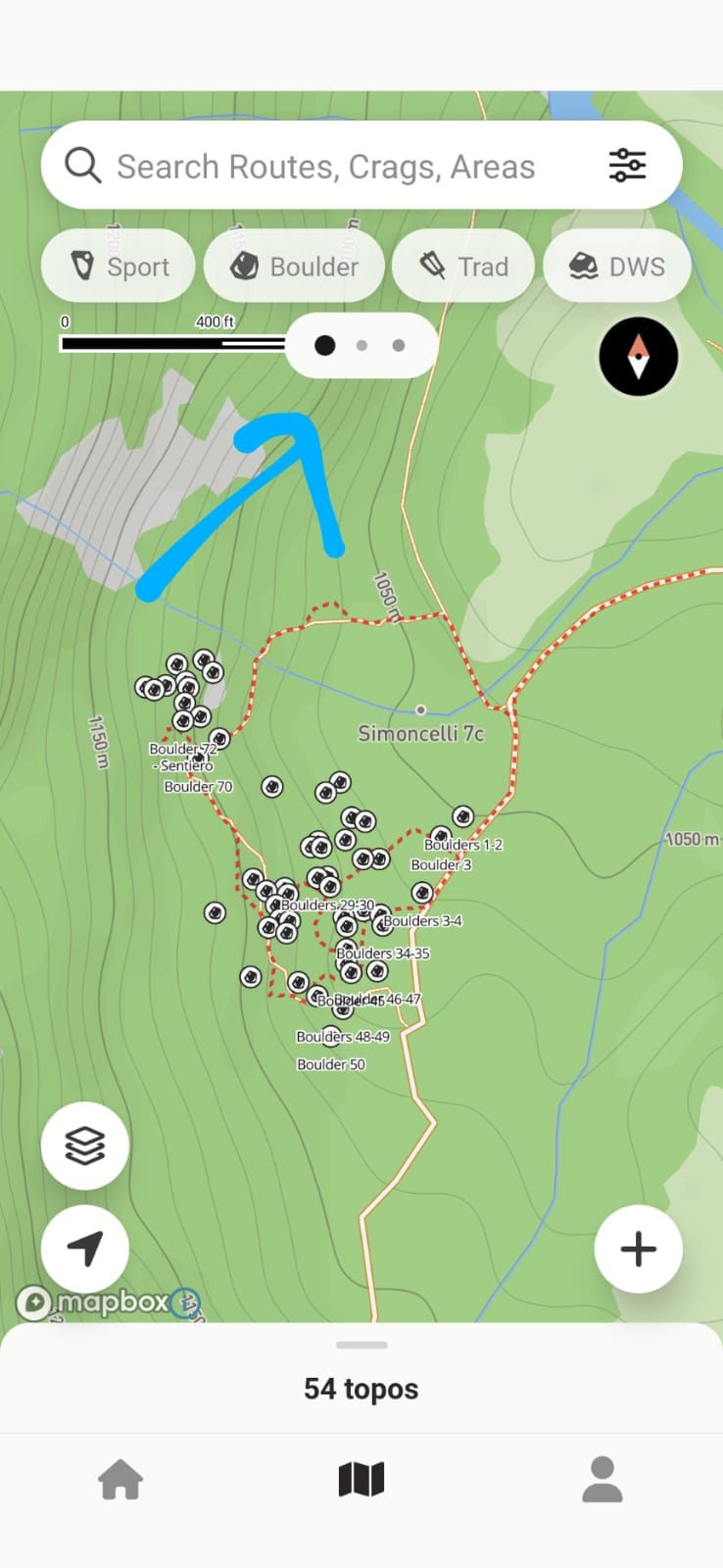
Expected Behavior
The app should properly recognize it is offline and should not do any request to load data from the server.
Indicator should not pop-up in the first place until it does some loading from the file system.
Smartphone
Pixel 4a - this should not be relevant
Comments3
Ville Muittari
Oct 29, 2025
Hey! Please update the app to the latest v3.0.5. It has just released. It should not have this issue anymore.
Lukas Vilim
Oct 29, 2025
Hi, updated. Re-tested. Resolved. 👍
Ville Muittari
Oct 29, 2025
Awesome!