Topo picture is often useless on the line details page
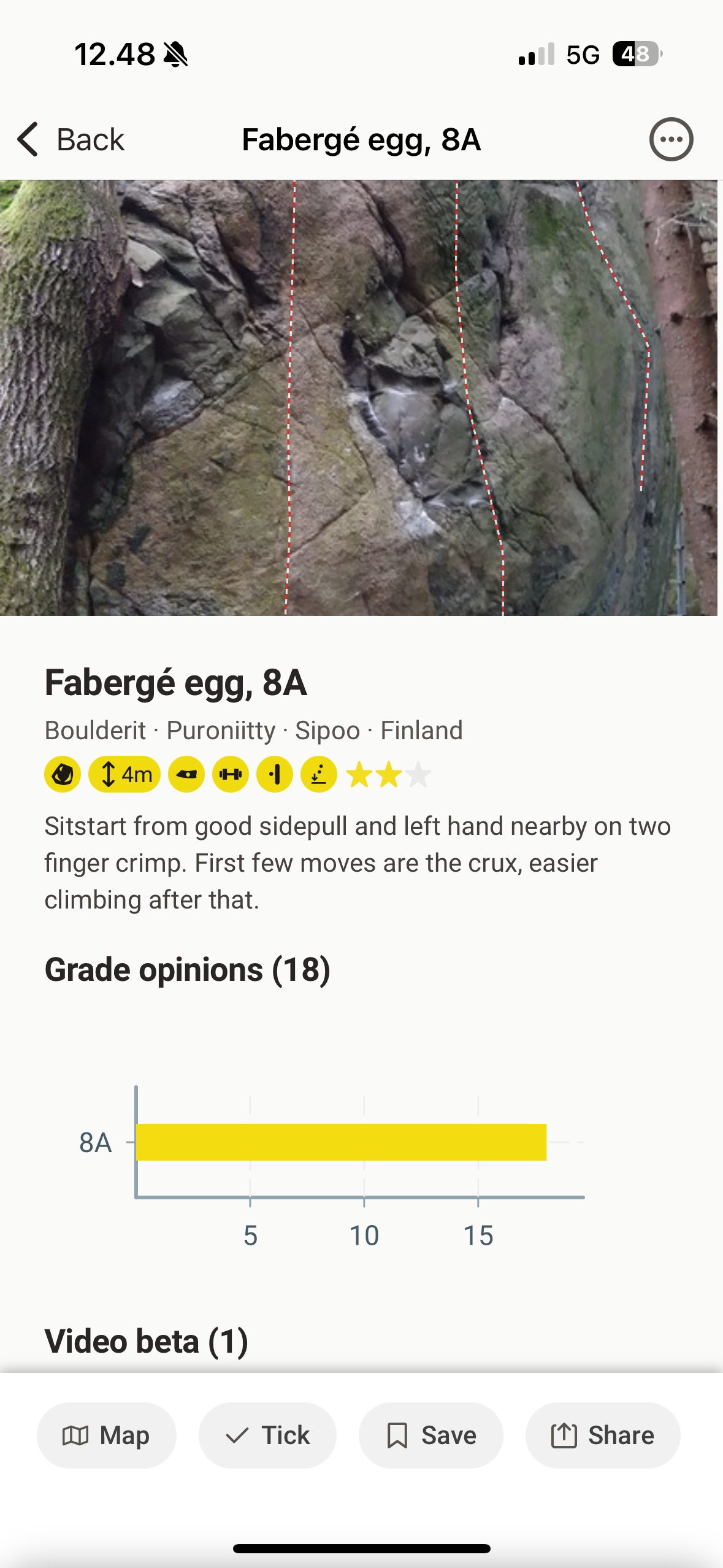
On the line details page topo picture is often clipped to fit the container that leaves you with no useful information. See picture below for the example.
Often you land of the line details page straight from the search skipping topo page and it makes you super confused since you have no way to see picture of the line or (like on the picture below) understand which line is the one that you are looking for.
Issues to fix:
Picture on the line details page is clipped and there is no way to see full pic
Sometime line is not even highlighted (I didn’t manage to reproduce it, I’ll update this ticket if I find a clear way to do that)
Possible fixes:
a. Use same layout for the line details page as for topo pages with opportunity to collapse info down and see full picture
b. do not clip picture at all and resize container to fit it completely
Example:
No comments yet
Be the first to share your thoughts.