Adding a spot to a topo
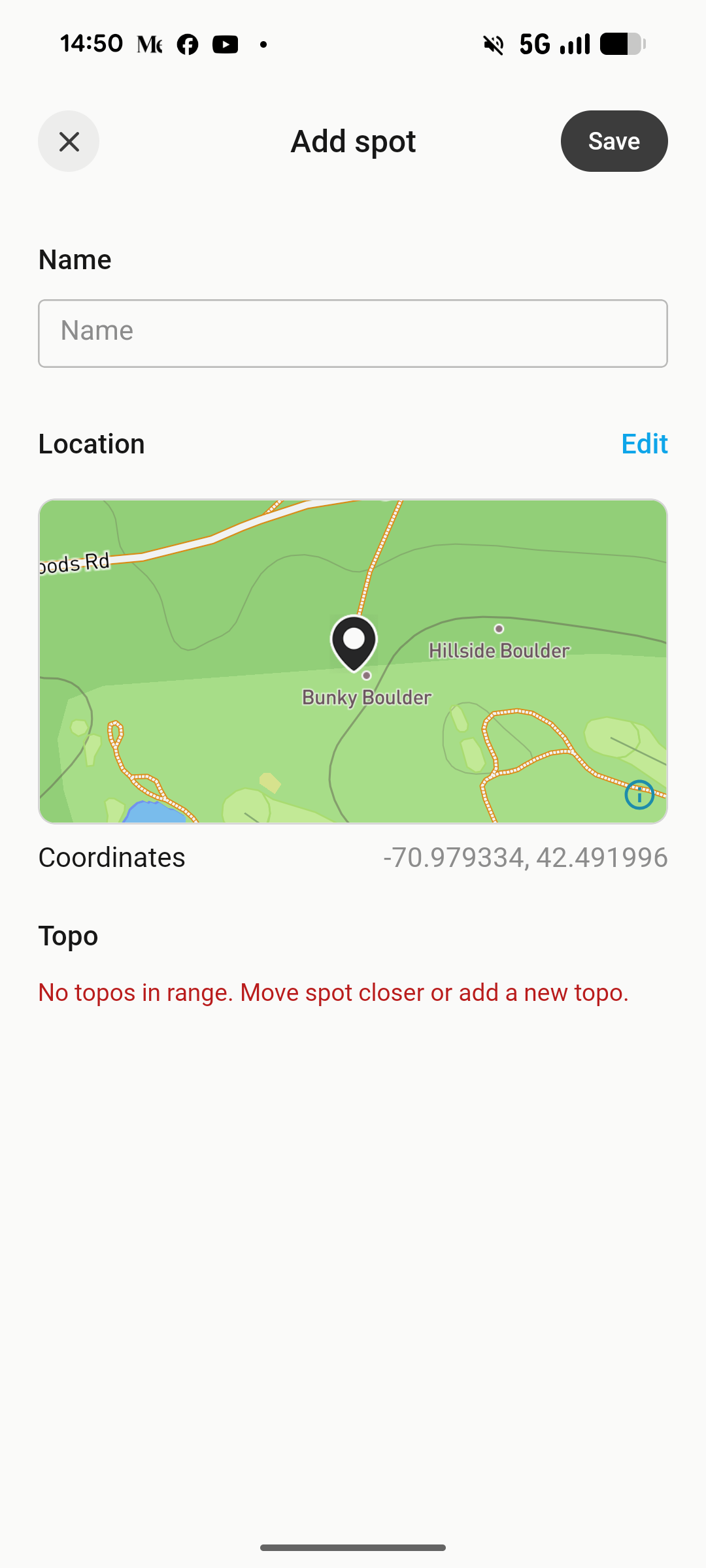
Trying to add a spot to a topo almost never works for me. I chose where I want it to be and the the add spot window opens and it always says that there is not topo close enough.
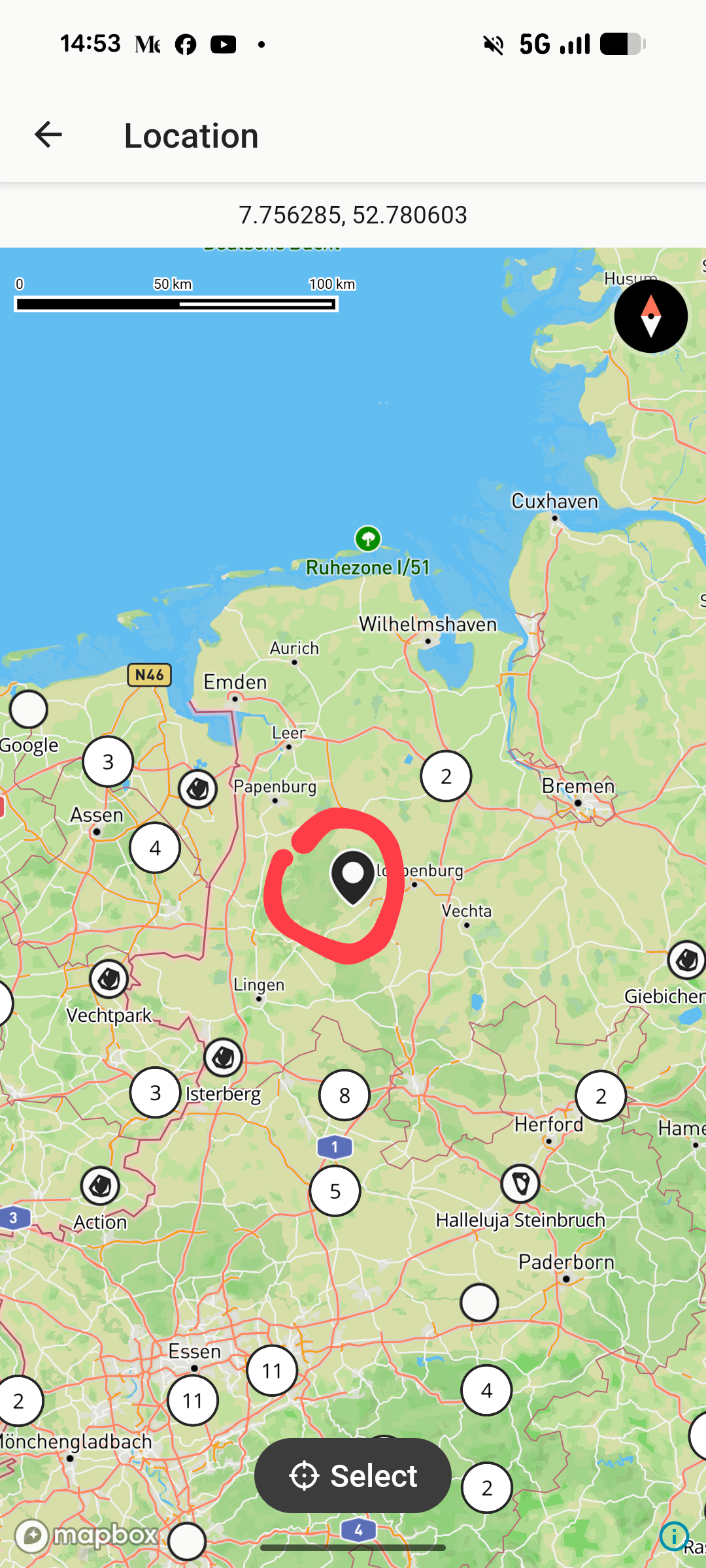
Even though I chose a coordinate when the spot window opens it sometimes takes me somewhere else. See attached photos.
Sometimes it looks correct like this:
Sometimes it takes me to this place, always the same place.
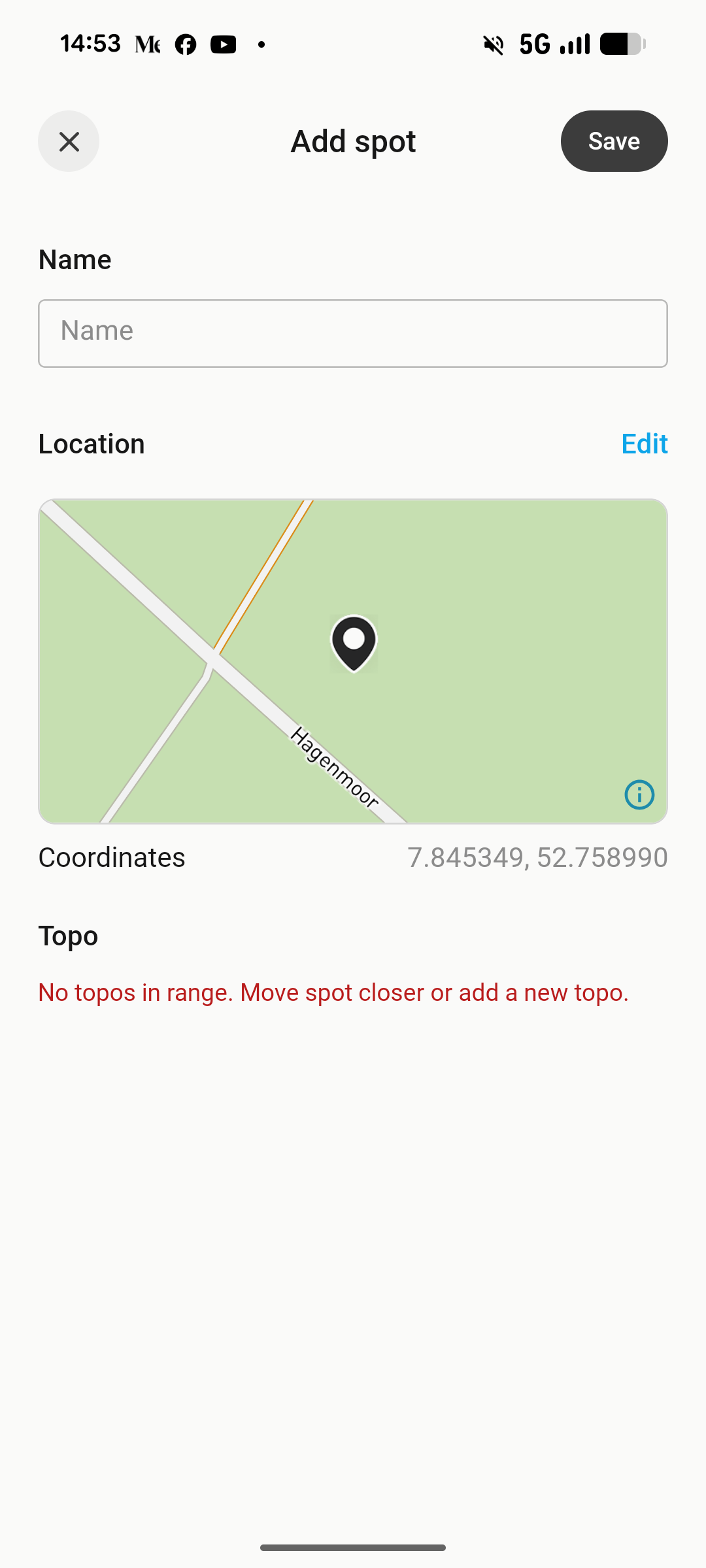
This place:
Comments3
Johannes Kraft
Oct 1
I don't know if something has changed but I have seen a new behavior. The Topo select field in the add spot window will “blink”, change fast between the topo closest and the area that I showed in the photo.
Johannes Kraft
Oct 1
Sorry for bumping this again but it is very hard to do one of the most important things the app does. Adding new areas and spots.
Could not find it in the roadmap and I feel that this should be looked at right away, this is a core feature of the app right :D ?
Aaro Asikainen
May 14
I have the same issue. Really hope they fix it soon.